
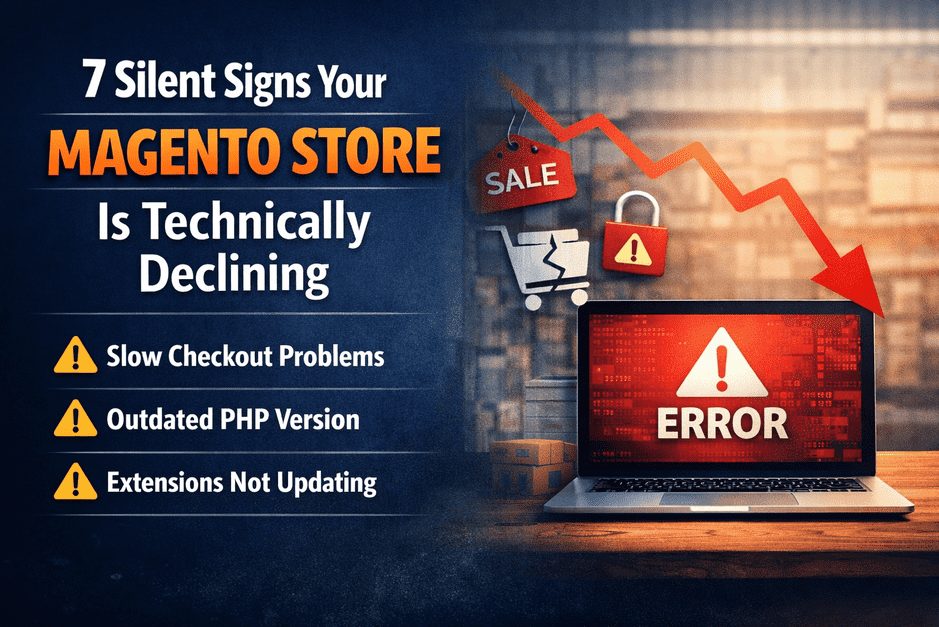

Most Magento stores don’t fail suddenly.
They decline silently — while orders still come in, dashboards still load, and everything appears fine.
Until one day:
- Checkout starts failing
- Speed drops
- A simple change breaks production
- Or a security issue forces emergency action
If you’re running a Magento store, these are the early warning signs you should never ignore.
1️⃣ Admin Panel Feels Slow or Freezes Occasionally
If basic admin actions like:
- loading orders
- editing products
- saving configurations
feel slow or freeze intermittently, it’s rarely “just hosting.”
This usually points to:
- database bloat
- outdated Magento core
- deprecated code
- incompatible extensions
Admin slowness is often the first visible symptom of deeper technical debt.
2️⃣ Checkout Issues That “Come and Go”
Intermittent checkout problems are the most dangerous kind.
Examples:
- payment succeeds but order doesn’t appear
- cart randomly empties
- checkout works on some devices but not others
These issues don’t always show clear errors — but they directly impact revenue.
They usually stem from:
- outdated extensions
- partial Magento upgrades
- PHP or library incompatibilities
If checkout failures are “occasional,” the risk is already real.
3️⃣ Extensions Are No Longer Updating
When extension vendors stop supporting your Magento version, it’s a silent red flag.
This means:
- security fixes stop coming
- compatibility breaks are inevitable
- future upgrades become harder and more expensive
Many stores stay “stable” for months — then collapse during the next upgrade attempt.
Unsupported extensions are time bombs, not minor inconveniences.
4️⃣ You’re Stuck on an Older PHP Version
If your store relies on:
- PHP versions that are end-of-life
- custom fixes just to keep PHP running
you’re already outside safe territory.
Older PHP versions mean:
- higher security risk
- limited performance improvements
- incompatibility with modern Magento releases
Magento performance and security are deeply tied to PHP compatibility.
5️⃣ Site Speed Fluctuates Without Clear Reason
If your store is:
- fast one day
- slow the next
- inconsistent across devices
this usually points to architectural or version-level issues, not caching alone.
Common causes include:
- outdated indexing logic
- inefficient database queries
- incompatible JS libraries
- unoptimized third-party modules
Speed inconsistency is a structural warning, not a surface issue.
6️⃣ Developers Hesitate to Touch the Code
When your team says:
- “Let’s not change this, it might break something”
- “This area is risky”
- “We’ll handle it later”
technical debt has already accumulated.
A healthy Magento store should be:
- predictable
- testable
- upgrade-ready
Fear-driven development is a sign the platform is holding the business back.
7️⃣ Improvements Are Delayed Due to Fear of Breakage
If new features, performance improvements, or UX upgrades are postponed because:
- upgrades feel risky
- past attempts caused issues
- the system feels fragile
your Magento setup is no longer supporting growth.
Magento should enable scaling — not create hesitation.
🧠 The Truth Most Store Owners Discover Too Late
Magento stores rarely fail overnight.
They decline quietly — until recovery becomes expensive, urgent, and stressful.
That’s why the first step is never an upgrade.
It’s understanding your store’s actual condition.
🔍 Clarity Before Action
These issues don’t need guessing — a quick audit shows them clearly.
A focused Magento health & upgrade risk check can reveal:
- whether your store is stable
- where risks are building
- what actually needs attention (and what doesn’t)
👉 Free Magento Health & Upgrade Risk Check
https://smbtechsolution.com/free-magento-mini-audit/
No access required. No obligation. Just clarity.
Who This Is For
- Magento store owners
- CTOs & eCommerce managers
- Teams planning upgrades, improvements, or security updates
Understanding risks early is always cheaper than fixing failures later.
