

Upgrading your Magento store should improve security and performance — but in reality, many upgrades cause serious problems.
After working with multiple upgrade projects, one pattern is clear:
Most Magento issues don’t happen after the upgrade — they happen because risks were not identified before it.
This report explains the 7 most common things that break during Magento upgrades, so you can prepare safely and avoid revenue loss.
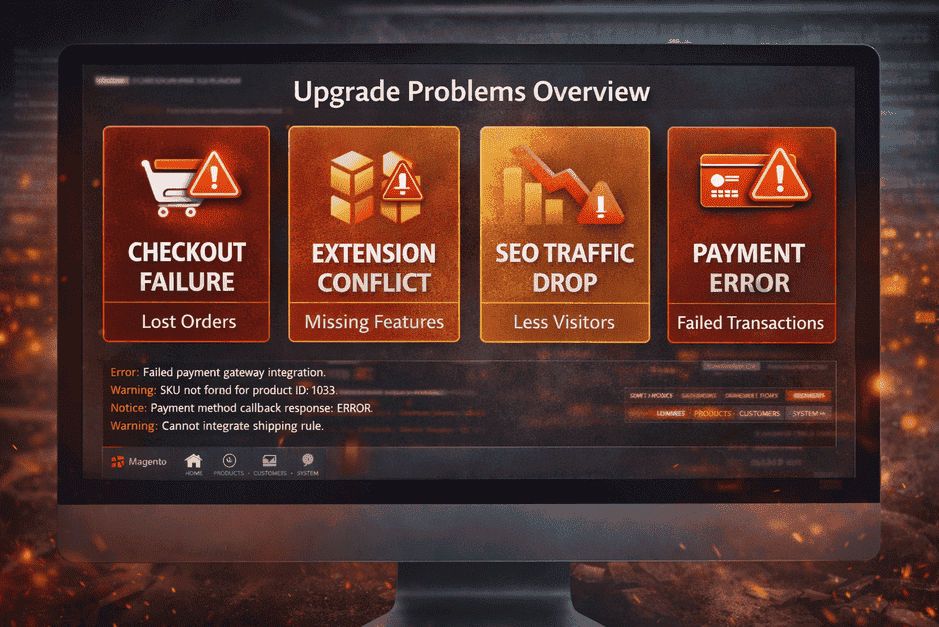
1. Extension Conflicts (The #1 Upgrade Problem)
Most stores use multiple third-party extensions for payments, shipping, SEO, or marketing.
When Magento core updates:
- Extension code may become incompatible
- Features silently stop working
- Admin functions fail unexpectedly
Real impact:
- Product filters stop working
- Promotions fail
- Backend errors appear
Important: Extensions must be audited before every upgrade — not after.
2. Checkout Failures (Instant Revenue Loss)
Checkout is the most sensitive part of any store.
After upgrades, common issues include:
- Payment gateway callback failures
- Shipping methods disappearing
- Cart totals calculating incorrectly
Result:
- Customers abandon checkout
- Orders fail without clear errors
- Revenue drops within hours
A store can look “fine” while losing money silently.
3. SEO Loss After Upgrade
Many business owners don’t realize upgrades can affect SEO.
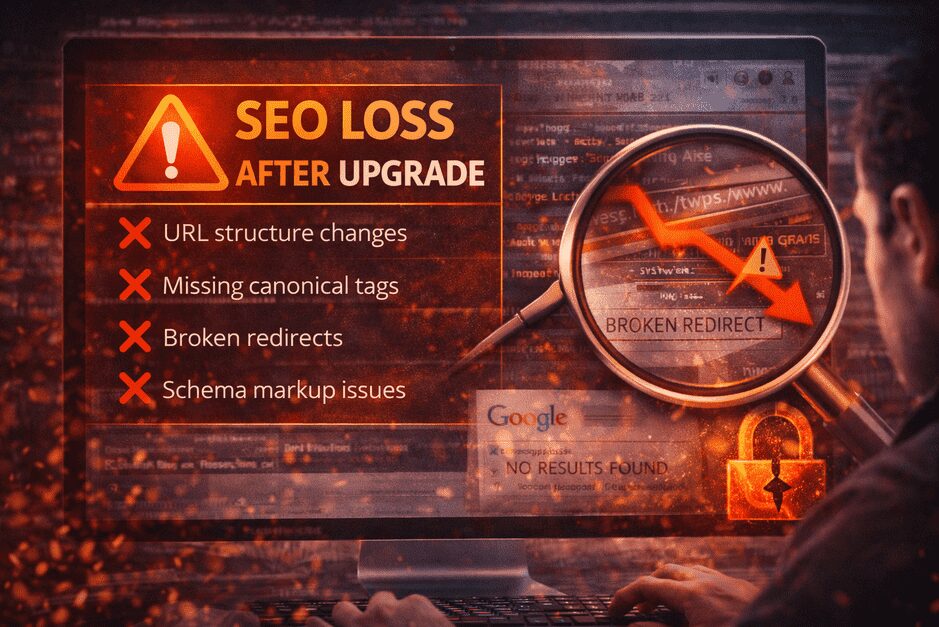
Common SEO risks:
- URL structure changes
- Missing canonical tags
- Broken redirects
- Schema markup issues
What happens next:
Your site may look normal — but rankings begin to fall within 30–60 days.
That’s why SEO checks must be part of upgrade planning.
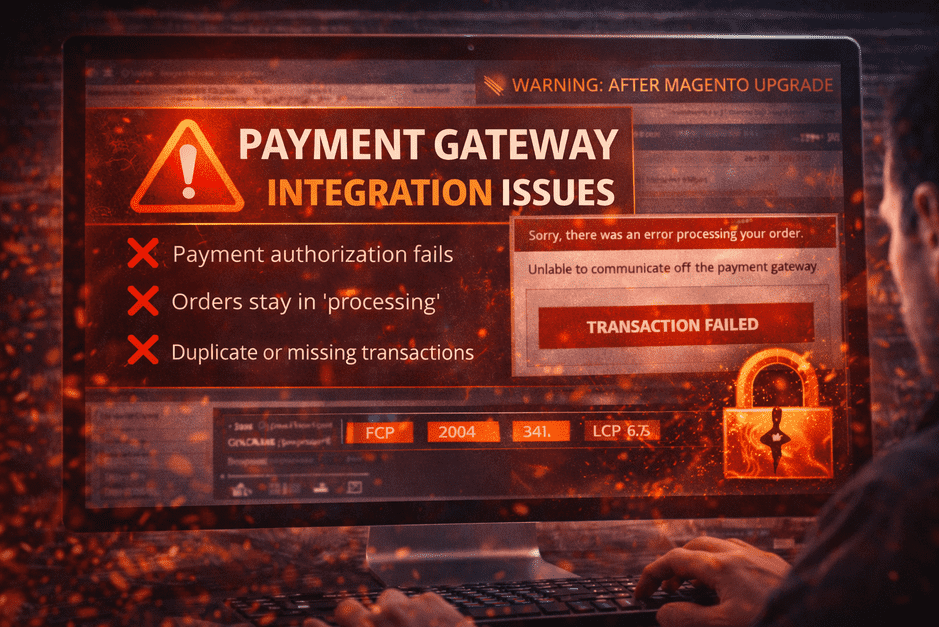
4. Payment Gateway Integration Issues
Payment modules often depend on strict API compatibility.
After upgrades:
- Payment authorization fails
- Orders stay in “processing”
- Duplicate or missing transactions occur
Business impact:
Even small payment failures reduce customer trust and conversion rate.
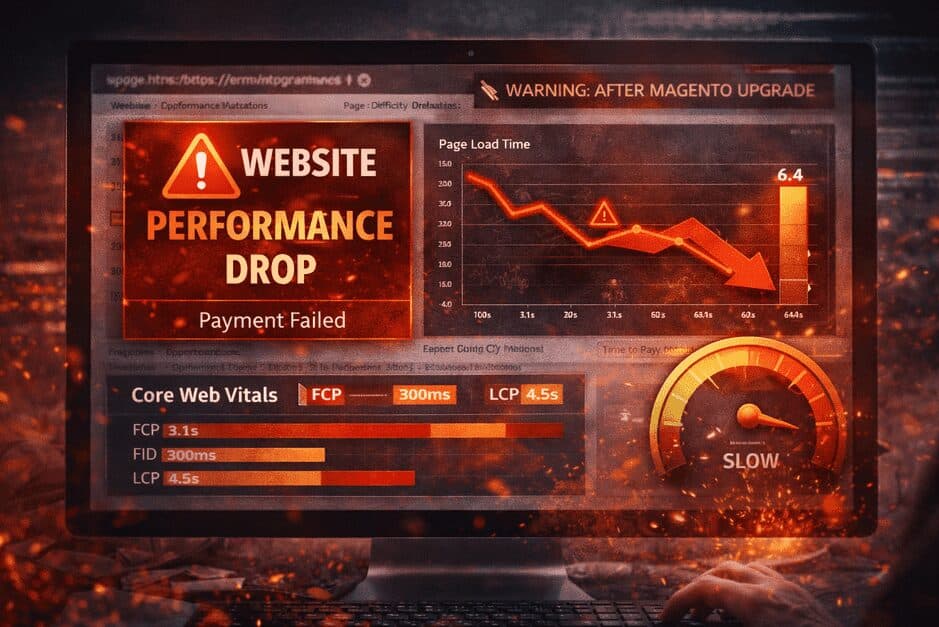
5. Speed Drop After Upgrade
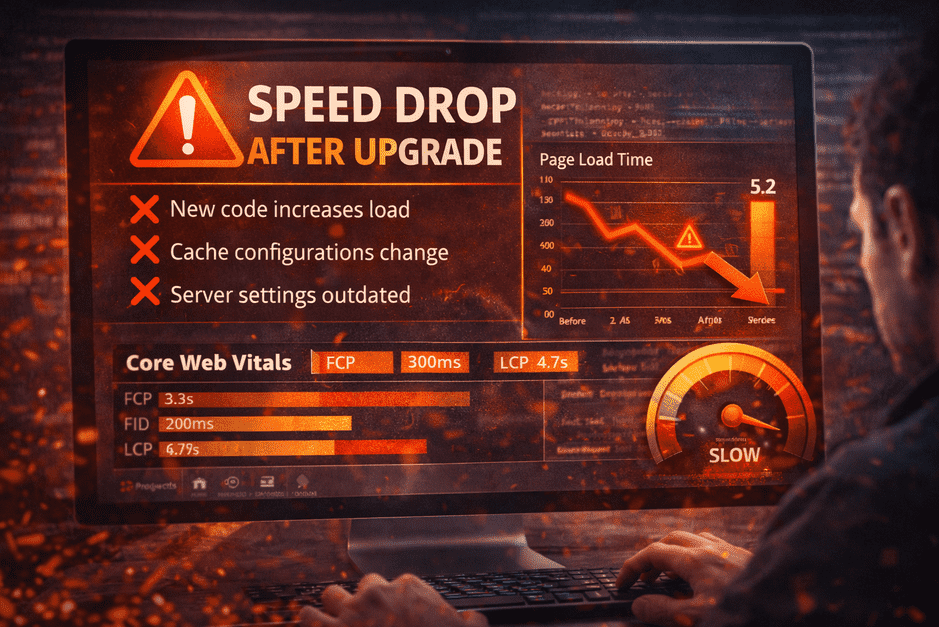
Many assume newer Magento versions mean faster performance.
Reality:
- New code increases load
- Cache configurations change
- Server settings become outdated
Outcome:
- Slower product pages
- Lower Core Web Vitals scores
- Conversion drop
Performance optimization must follow every upgrade.
6. Hidden Security Gaps
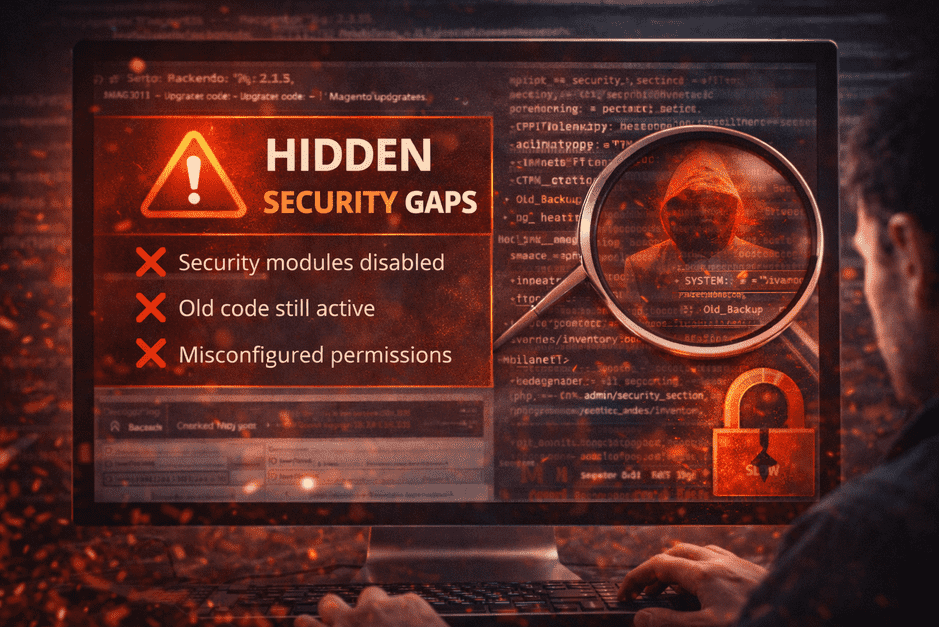
Upgrades are usually done for security — but incorrect implementation can create new risks.
Examples:
- Security modules disabled
- Old code still active
- Misconfigured permissions
Security isn’t automatic — it must be verified after upgrade.
7. Custom Code & Integration Breaks
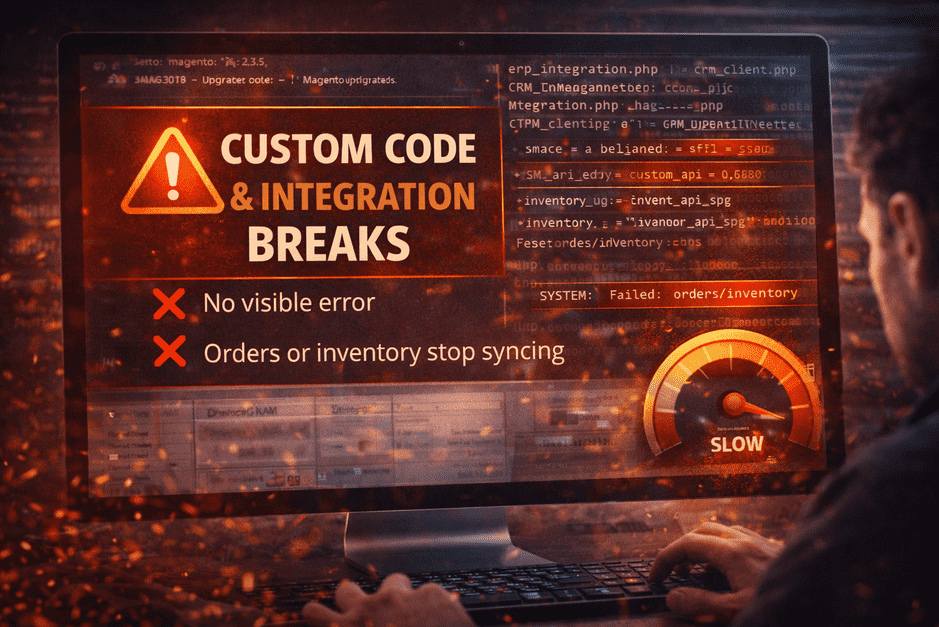
If your store uses:
- Custom themes
- ERP or CRM integrations
- Custom checkout logic
Even small core changes can break data syncs.
Worst part:
❌ No visible error
❌ Orders or inventory may stop syncing silently
These issues are expensive because they are discovered late.
Final Takeaway — Upgrade Safely, Not Quickly
The biggest mistake store owners make is thinking:
“Upgrade = simple version update.”
In reality, a Magento upgrade is a technical risk management process.
Successful stores focus on:
✔ Pre-upgrade risk checks
✔ Extension compatibility review
✔ SEO & performance validation
✔ Payment testing
Want to Upgrade Without Risk?
Before any upgrade, we recommend running a Magento Upgrade Risk Review to identify what could break — so your store stays stable, fast, and profitable.
If you want a professional risk review, feel free to reach out.
