
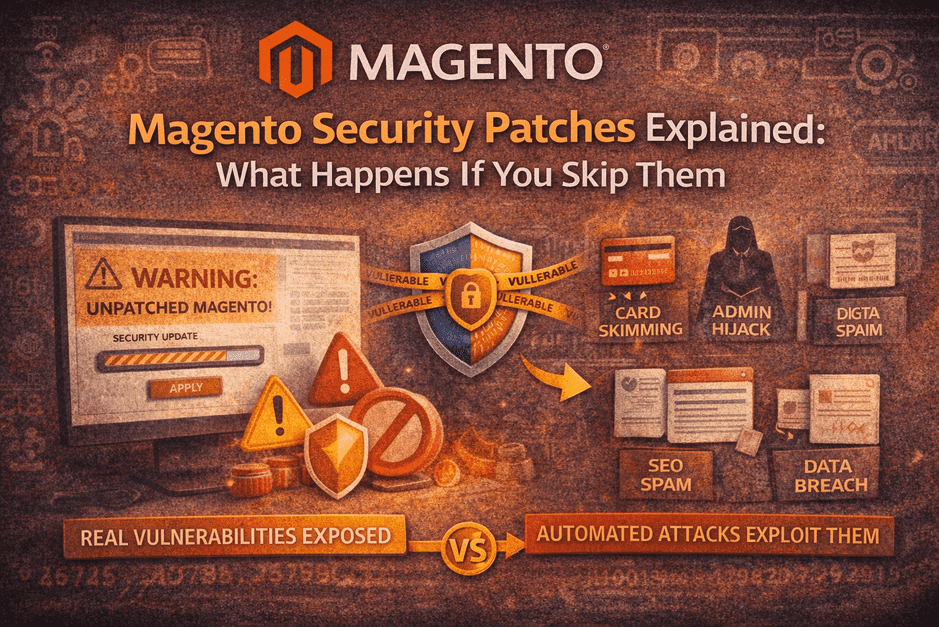

Security patches are often treated as a technical chore.
In reality, skipping them is a business risk.
Many security risks can be identified early through a free Magento upgrade audit, helping store owners understand their exposure before attackers do.
If your store runs on Magento, security patches are not optional updates — they are responses to real, known vulnerabilities that attackers actively scan for.
This blog explains, in plain business terms:
- What Magento security patches actually do
- Why Magento stores are frequent targets
- What really happens when patches are skipped
- Why patching is not a one-click job
- How growing stores handle security without panic
No fear-mongering. Just clarity.
1️⃣ What Is a Magento Security Patch? (Plain English)
A Magento security patch is a targeted fix released to close:
- Known vulnerabilities
- Exploitable code paths
- Privilege escalation risks
- Checkout, admin, or API weaknesses
Important to understand:
- Patches are released because a vulnerability is already known
- Attackers often know about it the same day
- Many attacks are automated, not manual
A patch is not an “improvement”.
It’s a lock on a door that’s already been identified as weak.
2️⃣ Why Magento Stores Are Common Targets
Magento is powerful — and that’s exactly why it’s targeted.
Reasons attackers focus on Magento:
- Open-source codebase (patterns are visible)
- Public vulnerability disclosures
- High-value targets (payments, customer data)
- Automated bots scanning thousands of stores daily
A dangerous myth:
“Our store is small. No one will target us.”
Reality:
Bots don’t care how big you are. They care if you’re vulnerable.
Security patching is also part of a broader Magento upgrade timeline, where risks are reviewed, changes are tested, and updates are applied in a controlled sequence.
3️⃣ What Actually Happens If You Skip Security Patches
This is what we see in the real world — not worst-case theory.
🔴 Card Skimming (Magecart Attacks)
Malicious scripts inject themselves into checkout.
- No visible errors
- Customers’ card data stolen
- Store owner finds out weeks later
🔴 Admin Takeover
- New admin users created silently
- Legit admins locked out
- Orders, prices, or content manipulated
🔴 SEO Spam Injection
- Casino / pharma pages injected
- Google penalties
- Organic traffic disappears overnight
🔴 Data Leakage
- Customer data exposed
- Legal, compliance, and trust damage
- Payment gateways may suspend accounts
These issues often go unnoticed until damage is already done.
4️⃣ Why Security Patches Are Often Skipped
Most store owners don’t skip patches because they don’t care.
They skip them because:
- “What if it breaks the site?”
- No proper staging environment
- Extensions may not be compatible
- No clear owner for patch responsibility
- Business priorities always feel more urgent
Ironically:
Patches are skipped to avoid risk — but skipping them creates bigger risk.
These risks are commonly uncovered during a Magento upgrade audit checklist review, before patches or upgrades are applied.
5️⃣ Magento Security Patches Are NOT One-Click Updates
This is a critical misunderstanding.
Applying a patch safely involves:
- Checking extension compatibility
- Applying patch in staging first
- Regression testing checkout & admin
- Verifying payment & integrations
- Keeping rollback ready
Without this process:
- Patches can break checkout
- Extensions can fail silently
- Performance issues can appear later
This is why patches are delayed — and why stores stay exposed.
6️⃣ When Security Patches Must Be Applied Immediately
Some situations require urgent action:
- Critical or “High” severity vulnerabilities
- Publicly exploited issues
- Admin or checkout-related vulnerabilities
- PCI or payment-related advisories
- Google Safe Browsing or gateway warnings
In these cases, delay increases exponential risk.
7️⃣ How Smart Store Owners Handle Magento Security
They don’t panic — they systemize.
Smart stores:
- Track Magento security releases
- Apply patches on staging first
- Test checkout & admin every time
- Monitor logs and anomalies
- Treat security as ongoing ownership, not a one-off task
This is exactly why many growing stores move to Magento care plans, instead of relying on one-time fixes.
Security patching works best when combined with post-upgrade Magento monitoring, ensuring issues are caught early after updates are applied.
8️⃣ Security Patches vs “We’ll Fix It If It Breaks”
Let’s be clear:
| Approach | Result |
|---|---|
| Skip patches | Hidden exposure |
| Patch without testing | New issues |
| Emergency fixes | High cost & stress |
| Planned patching | Stability & confidence |
Security isn’t about reacting faster.
It’s about not being surprised at all.
Final Thought
A Magento security patch is a message:
“This vulnerability is real, known, and exploitable.”
Ignoring it doesn’t delay the risk —
it simply leaves the door open longer.
One-time upgrades make your store compatible.
Ongoing patching keeps it trustworthy.
👉 Unsure About Applying Security Patches Safely?
If security patches feel risky to apply alone, that’s normal.
This is exactly what Magento care & maintenance plans are designed for:
- Safe patch application
- Testing before go-live
- Monitoring after updates
- No emergency firefighting
No pressure. Just protected growth.
