
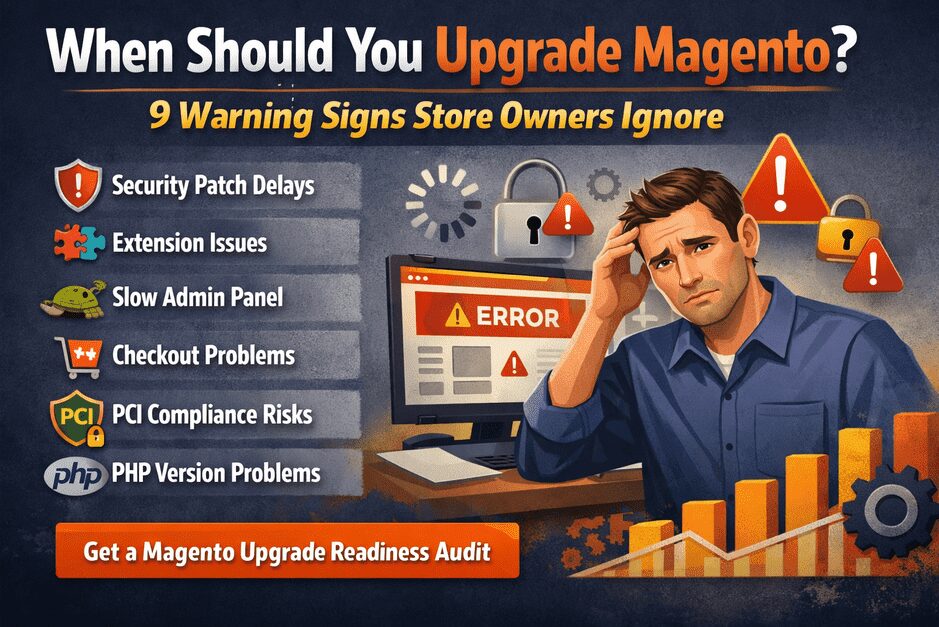

Running a Magento store successfully requires more than launching the website and adding products. As technology, security standards, and payment systems evolve, Magento upgrades become essential for maintaining store security, performance, and compatibility.
However, many store owners delay upgrades until something breaks.
Unfortunately, waiting too long can lead to:
- security vulnerabilities
- checkout failures
- extension conflicts
- performance slowdowns
- compliance issues
So the important question becomes:
How do you know when it’s time to upgrade Magento?
In this guide, we explain 9 critical warning signs that indicate your Magento store may need an upgrade.
Why Magento Upgrades Matter in 2026
Magento upgrades today are not just technical maintenance.
They impact:
- store security
- customer trust
- payment compatibility
- SEO performance
- site speed
- system stability
Each Magento release includes improvements such as:
- new security patches
- performance enhancements
- extension compatibility updates
- infrastructure improvements
Running an outdated Magento version increases the risk of security vulnerabilities and operational instability.
If you want to understand how outdated versions expose stores to risks, you can also read our guide on Magento upgrade security risks.
1. Your Magento Version Is No Longer Supported
One of the most critical warning signs is when your Magento version reaches end-of-support.
When support ends:
- security patches stop
- vulnerabilities remain open
- extensions stop updating
- payment providers may drop compatibility
For example, many stores running Magento 2.3 faced serious issues once official support ended.
If your store still runs an older version, it is strongly recommended to evaluate an upgrade.
You can read about real issues stores face during upgrades here:
2. Security Patches Are Hard to Install
Magento releases security patches regularly.
But when stores run outdated versions, installing new patches can become difficult.
This may cause:
- patch conflicts
- installation errors
- broken extensions
- incomplete security protection
If security patches fail or cause problems, it often means your Magento version is too outdated and requires upgrading.
3. Your Admin Panel Is Slow
Many Magento store owners ignore slow backend performance.
However, slow admin panels are a common sign of outdated architecture.
Common symptoms include:
- product saving taking too long
- slow order processing
- delayed inventory updates
- lag in product search
New Magento versions include significant database and caching improvements that enhance backend performance.
4. Extensions Are No Longer Compatible
Magento stores rely heavily on extensions for:
- payment gateways
- shipping integrations
- marketing tools
- analytics systems
- CRM integrations
When Magento versions become outdated:
- extension developers stop releasing updates
- compatibility breaks
- extension conflicts increase
If multiple extensions stop working after minor updates, it is a strong indicator your store needs a Magento upgrade audit.
5. Checkout or Payment Errors Are Increasing
Checkout issues are one of the most serious warning signs.
Common problems include:
- payment gateway failures
- checkout page errors
- order confirmation failures
- customers abandoning carts due to errors
These issues often occur when payment providers update their APIs and older Magento versions cannot support them properly.
If you are planning an upgrade, understanding the full upgrade process is important.
6. Your Store Is Not PCI Compliant
If your store processes payments, PCI compliance is essential.
Older Magento versions may fail compliance due to:
- outdated encryption methods
- missing security patches
- unsupported dependencies
In some cases, payment providers may require stores to upgrade before allowing continued payment processing.
7. Your PHP Version Is Outdated
Magento depends heavily on PHP compatibility.
Older Magento versions support:
- PHP 7.2
- PHP 7.3
But modern hosting environments now run:
- PHP 8.1
- PHP 8.2
If your hosting provider upgrades PHP, your Magento store may break unless your Magento version supports it.
This is one of the most common reasons businesses plan a Magento upgrade.
8. SEO Performance Is Declining
Search engines prioritize fast, secure websites.
Outdated Magento versions often suffer from:
- slow loading speed
- outdated caching mechanisms
- poor Core Web Vitals performance
- indexing issues
Upgrading Magento can significantly improve:
- page speed
- performance optimization
- SEO stability
This helps maintain and improve search engine rankings.
9. Your Store Has Not Been Upgraded in 2+ Years
Magento evolves quickly.
If your store has not been upgraded in two or more years, it likely contains:
- outdated dependencies
- security gaps
- extension compatibility risks
The longer upgrades are delayed, the more complex and expensive they become.
To understand typical upgrade costs, you can also read Magento Upgrade Cost in the UK:
Risks of Delaying Magento Upgrades
Many store owners postpone upgrades because their store still works.
But hidden risks grow over time:
- security breaches
- checkout failures
- broken integrations
- data loss
- expensive emergency fixes
A planned upgrade strategy helps avoid these problems.
You can also explore common upgrade risks here:
How a Safe Magento Upgrade Should Be Done
A professional Magento upgrade typically follows these steps:
- Complete Magento store audit
- Extension compatibility analysis
- Staging environment setup
- Magento version upgrade
- Functional testing
- Payment gateway verification
- Performance optimization
- Deployment with minimal downtime
Without careful planning, upgrades can break functionality or cause downtime.
Need Help Evaluating Your Magento Store?
If you are unsure whether your store requires an upgrade, the safest approach is to start with a Magento Upgrade Readiness Audit.
At SMB Tech Solution, we analyze:
- Magento version compatibility
- extension conflicts
- security vulnerabilities
- performance bottlenecks
- upgrade complexity
This helps store owners make informed upgrade decisions without risking their live store.
👉 Request your Magento Upgrade Audit today.
Frequently Asked Questions
How often should Magento be upgraded?
Magento stores should ideally be upgraded every 12–18 months or whenever major security updates are released. Regular upgrades ensure better performance, security, and compatibility with extensions.
What happens if you don’t upgrade Magento?
Not upgrading Magento can lead to:
- security vulnerabilities
- payment gateway failures
- extension incompatibility
- poor performance
- PCI compliance issues
Over time, these problems can affect both store stability and revenue.
Is Magento upgrade risky?
Magento upgrades can involve risks if done incorrectly. Common issues include extension conflicts, theme incompatibility, and database errors. A professional upgrade process using staging environments helps reduce these risks.
How long does a Magento upgrade take?
Magento upgrade timelines depend on store complexity.
Typical timelines:
Small store → 3–5 days
Medium store → 1–2 weeks
Large store → 3–4 weeks
Final Thoughts
Magento upgrades are not just technical updates — they are critical for maintaining store security, performance, and long-term stability.
If your Magento store is showing any of the warning signs discussed in this guide — such as outdated versions, extension conflicts, checkout errors, or security patch issues — it may be time to evaluate your upgrade strategy.
Planning upgrades early helps prevent downtime, security risks, and costly emergency fixes.
A properly executed Magento upgrade ensures your store remains secure, fast, and compatible with modern technologies.
Not Sure If Your Magento Store Needs an Upgrade?
Many store owners wait until something breaks before upgrading — but the safest approach is to evaluate your store in advance.
At SMB Tech Solution, we help Magento store owners identify upgrade risks and plan safe upgrades through a Magento Upgrade Readiness Audit.
During the audit, we analyze:
✔ Magento version compatibility
✔ extension conflicts
✔ security vulnerabilities
✔ performance bottlenecks
✔ upgrade complexity
This helps businesses make informed upgrade decisions without risking their live store.
👉 Request Your Magento Upgrade Readiness Audit
Also read:
• Magento Upgrade Security Risks in 2026
https://smbtechsolution.com/magento-upgrade-security-risks-uk/
• Magento Upgrade Cost Guide (2026)
https://smbtechsolution.com/magento-upgrade-cost-uk/
• Magento Upgrade Risk Report
https://smbtechsolution.com/magento-upgrade-risk-report/
