
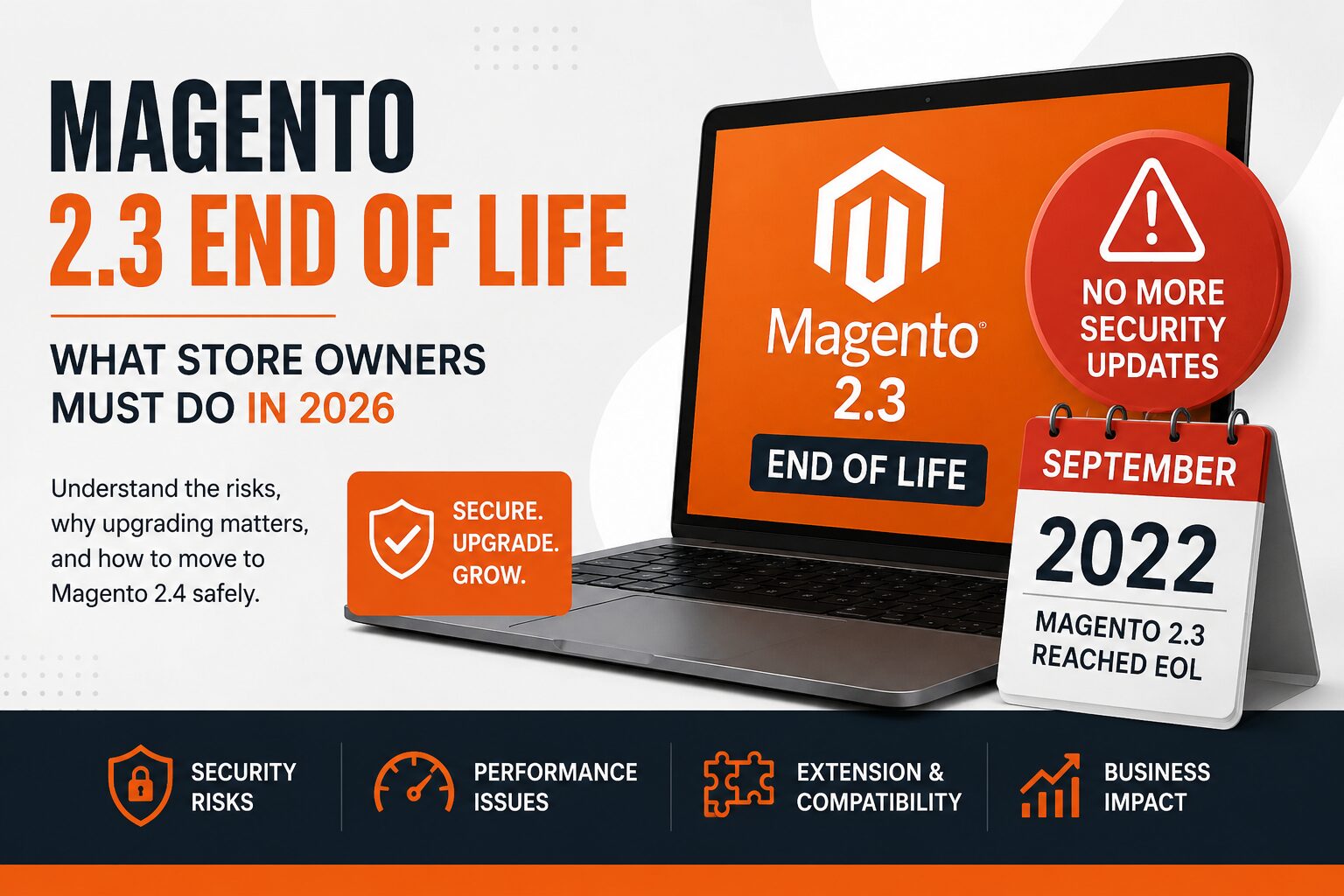

If your ecommerce store is still running Magento 2.3, the important question is no longer whether the platform is old. It is whether you understand the risk and complexity of keeping it there.
Your store may still be processing orders normally. Customers may still be browsing, buying and returning. Nothing about an End of Support date automatically turns your storefront off.
But the software lifecycle changes what happens next: security fixes, quality fixes, compatibility, extensions, infrastructure and the effort required to maintain the store.
Before deciding to upgrade, migrate or continue maintaining the existing store, first understand where your platform stands.
What Does Magento End of Support Actually Mean?
End of Support is not the same thing as a website suddenly stopping. It is a change in the support and maintenance position of the software.
Security
Once a release is outside its applicable support period, you cannot assume that newly discovered Magento security issues will receive fixes for that release.
Quality Fixes
Adobe's standard support period includes quality fixes. Those fixes do not continue indefinitely after the standard support window ends.
Compatibility
Your Magento installation depends on PHP, databases, search, caching, extensions and other technologies that have their own lifecycles.
Maintenance
The longer an environment remains on an aging release, the more important it becomes to understand the technical dependencies surrounding it.
Where Does Your Magento Version Stand?
Adobe publishes lifecycle dates for its Adobe Commerce release lines. Use the table below as a starting point for understanding your position.
| Release | General Availability | End of Standard Support | End of Extended Support | End of Security-Only Period | Cloud Upgrade Enforcement |
|---|---|---|---|---|---|
| Adobe Commerce 2.4.9 | May 12, 2026 | May 31, 2029 | TBD | N/A | TBD |
| Adobe Commerce 2.4.8 | April 8, 2025 | May 31, 2028 | TBD | N/A | TBD |
| Adobe Commerce 2.4.7 | April 9, 2024 | May 31, 2027 | May 31, 2028 | N/A | June 1, 2028 |
| Adobe Commerce 2.4.6 | March 14, 2023 | August 11, 2026 | August 31, 2027 | May 31, 2028 | June 1, 2028 |
| Adobe Commerce 2.4.5 | August 9, 2022 | August 12, 2025 | August 11, 2026 | May 31, 2027 | June 1, 2027 |
| Adobe Commerce 2.4.4 | April 12, 2022 | April 12, 2025 | April 14, 2026 | May 31, 2027 | June 1, 2027 |
Note: Lifecycle dates can change. Always check Adobe's current lifecycle documentation before making an upgrade or maintenance decision.
End of Support Does Not Mean Your Store Stops Working
An End of Support date is not necessarily a technical shutdown date for a self-hosted Magento store.
Your existing code can continue running on your infrastructure. Customers may still be able to browse products, place orders and use the storefront.
What changes is the support position of the software and, depending on the environment and release, the availability of security and quality fixes.
The right question is therefore not: "Will my website stop working tomorrow?"
It is: "What technical and business risk am I accepting by staying on this release, and how much time do I need to plan my next move?"
Your Magento Version Is Only One Part of the Environment
Adobe specifically notes that third-party dependencies can reach End of Life independently of the Adobe Commerce release.
Adobe states that it does not provide security and quality fixes for third-party services and software dependencies that reach their own End of Life. Maintaining supported dependencies is therefore part of keeping the overall ecommerce environment healthy.
Does Your Magento Store Need Attention?
Your Magento version is a starting point. These questions help reveal the bigger picture.
Do you know the exact Magento version and patch level currently running in production?
Are you running a release that is already outside its applicable support period?
Do you have third-party extensions that are critical to checkout, catalog, payments or order processing?
Does your store contain custom modules or significant modifications to Magento's standard functionality?
Does Magento integrate with ERP, CRM, payment, shipping, tax, marketplace or other external systems?
Do you know which PHP, database, search and cache versions your production environment uses?
Has your store accumulated years of customizations without a recent technical inventory?
Would a checkout, payment or ERP integration failure materially affect your revenue?
Two Stores Can Run the Same Magento Version and Need Completely Different Work
The Magento version alone is not enough to estimate an upgrade. The surrounding environment matters.
A Relatively Simple Store
- Mostly standard Magento functionality
- Limited custom modules
- Few third-party extensions
- Simple payment and shipping integrations
- Limited frontend customization
- Straightforward checkout flow
A Highly Customized Store
- Custom Magento modules
- Multiple third-party extensions
- Custom pricing or catalog logic
- ERP / CRM integrations
- Custom payment or shipping integrations
- Complex checkout or order workflows
Both stores may report the same Magento version. Their upgrade scope, testing requirements and business risk can still be very different.
What Should You Understand Before Upgrading?
Before someone gives you an upgrade estimate, you should be able to answer these questions about your store.
Confirm the exact release and patch level running in production.
Understand whether you are running Adobe Commerce, Magento Open Source or another Magento-based distribution.
Identify which extensions are installed, business-critical, actively maintained and compatible with your target environment.
Determine how much custom code has been built into the store and where it affects Magento core functionality.
Map ERP, CRM, payment, shipping, tax, marketplace and other external system dependencies.
Review PHP, database, search, cache, hosting and deployment requirements for the target release.
Identify revenue-critical flows such as search, cart, checkout, payment, account and order management.
Define what needs to be tested before and after the upgrade, especially business-critical workflows.
Make sure the upgrade supports the capabilities the business expects to need over the next few years.
Don't Start With an Upgrade Quote. Start With Understanding.
A Magento version can tell you that an upgrade may be necessary. It cannot tell you how much work your particular store requires.
A meaningful scope needs to account for your extensions, customizations, integrations, infrastructure and business-critical functionality.
That is why the first step should be understanding the current environment rather than immediately estimating development hours.
The goal is not simply to move the store from one version number to another. The goal is to understand the safest, most practical path for the business.
Before We Upgrade Magento, We Want to Understand Your Store
We approach Magento upgrades as a business-critical technology project, not simply a version change.
Assess
Understand the current Magento environment, version, dependencies and major technical areas.
Identify
Find extensions, customizations, integrations and potential compatibility risks.
Prioritize
Separate business-critical risks from lower-priority technical issues.
Plan
Create a practical upgrade path based on the actual condition and requirements of the store.
Magento End of Life Is a Planning Signal
If your store is still running Magento 2.3, you should not wait until a security issue, broken extension or infrastructure change forces the decision for you.
Start by understanding your current version, support position, extensions, customizations, integrations and infrastructure.
From there, you can make a more informed decision about whether to upgrade within Magento, change the platform, or take another path that fits the business.
The earlier you understand the environment, the more choices you have when deciding what comes next.
Want a Clear Picture of Your Store's Upgrade Complexity?
Don't guess at your migration scope or risk unexpected checkout downtime. Check your store with 7 questions.
Let Me Check My Store →